
Customizing Visuals and Interface
Upload Photos for Display
Navigate to Settings > Sending photos. Scan the QR code, select the photos to upload, then tap the upload button. Please ensure your mobile is connected to the same network as the calendar device.
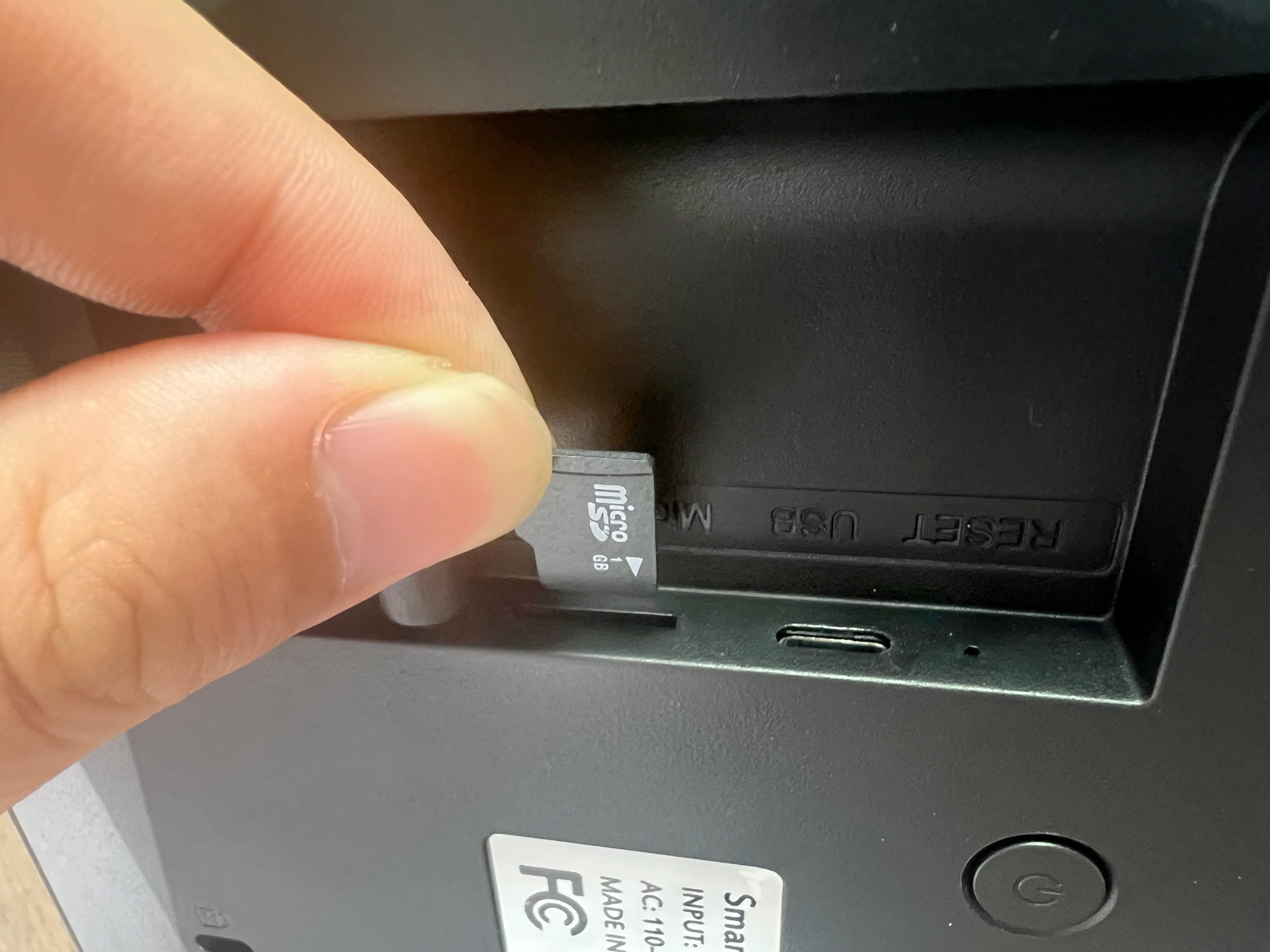
Use TF Card
SyncGo smart Wi-Fi digital calendar supports using TF card as the image source. Please just copy the images to the TF card, and insert it into the slot of the calendar device.
Change the Display Theme
Navigate to Settings > Theme and select the theme you'd like to display.
- Frosted Glass theme can display a week or month calendar.
- Azan Clock can clearly display the prayer times for one day.
Set Sleep and Wake-Up Time
To set the sleep time, navigate to Settings > Sleep, select the sleep time, then tap the OK button.
To set the wake-up time, navigate to Settings > Wake up, select the wake-up time, then tap the OK button.