SyncGo 10-Inch Smart Calendar (Black) – Digital Photo Frame with Voice Reminders and Calendar Sync
The SyncGo Electronic Calendar Black Edition is a smart desktop calendar that integrates schedule
management, to-do reminders, a digital photo frame, and lunar calendar guidance in one device.
It supports syncing with Outlook and mobile calendars, enabling easy remote updates of background
images. The device also allows font customization, making it particularly suitable for seniors.
With multiple theme options, such as meeting room reservations and wood-textured motivational desk
calendars, it offers a perfect blend of functionality, aesthetics, and inspiration.
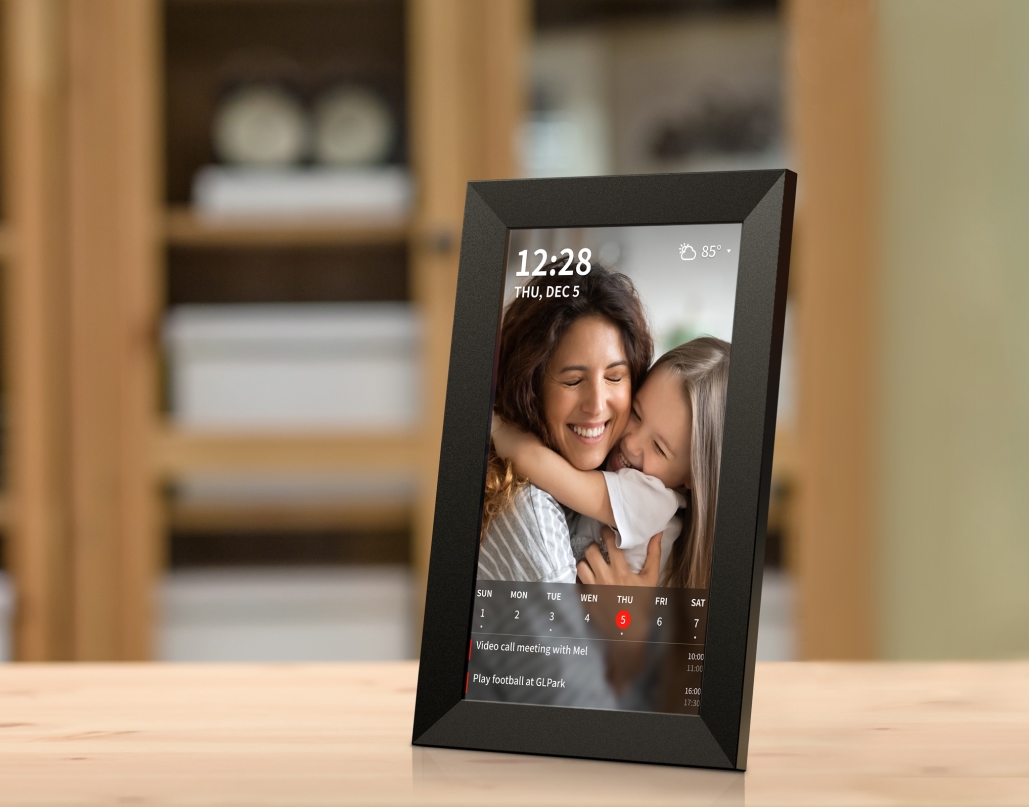
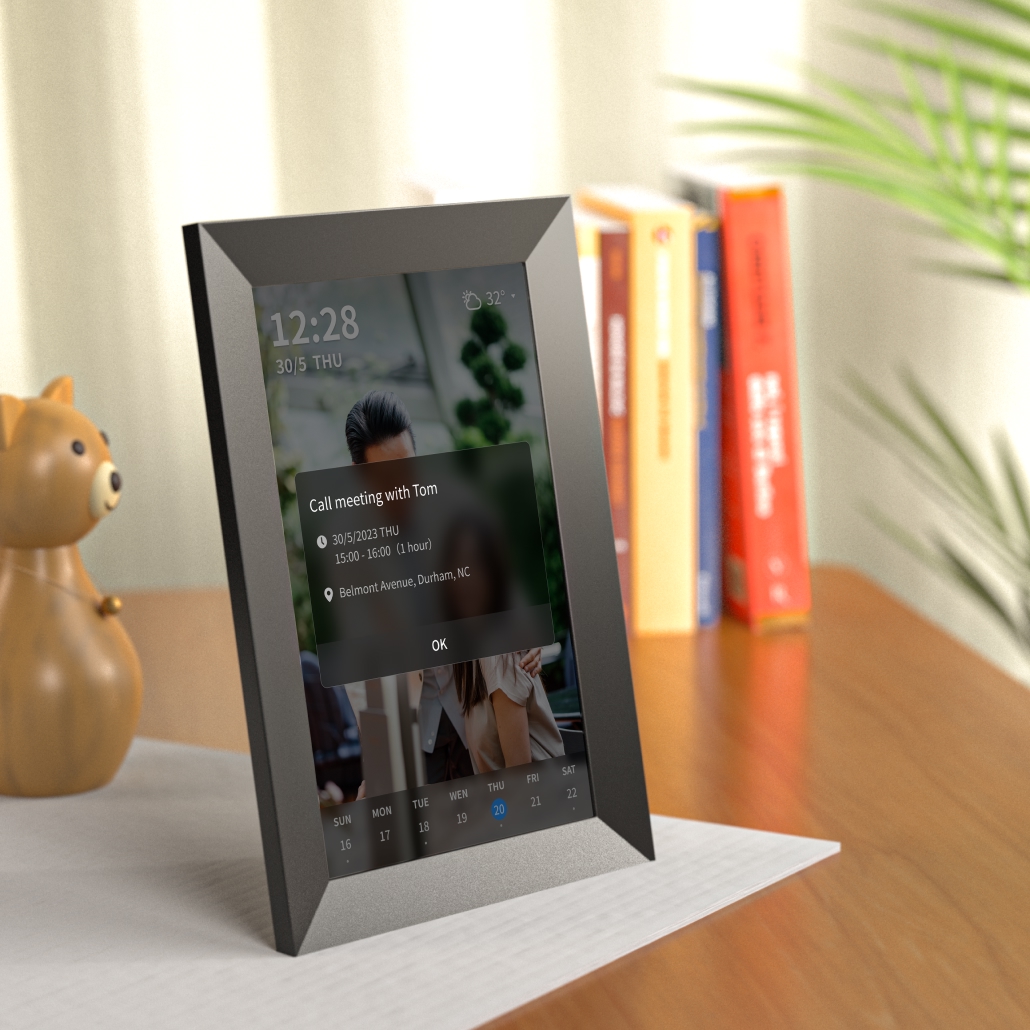
SyncGo Digital Calendar is a smart digital calendar that can show the date, the weather, photos and your
schedule so that you never miss a thing.
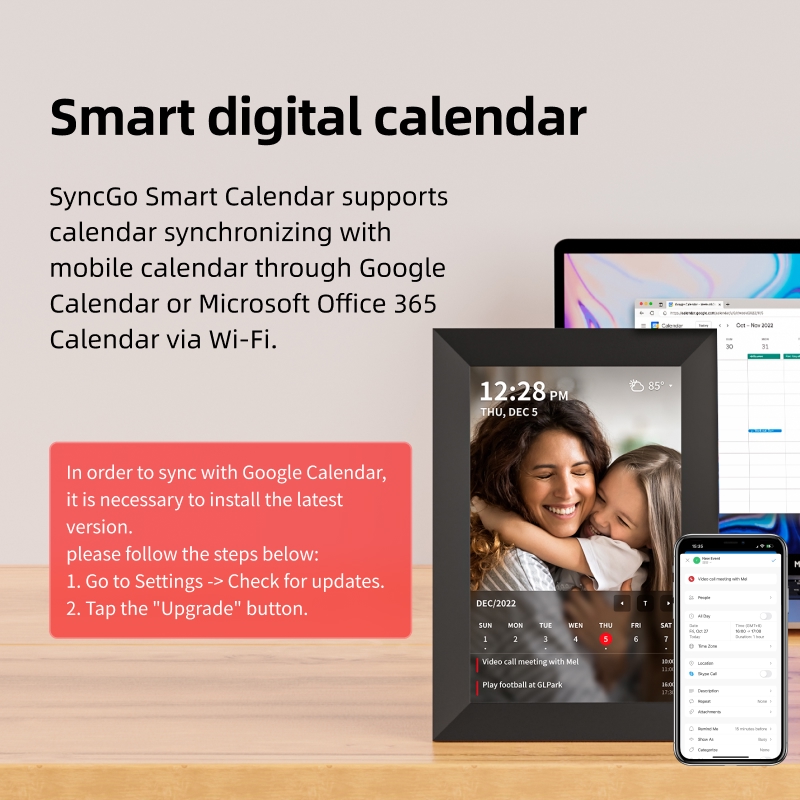
Smart digital calendar
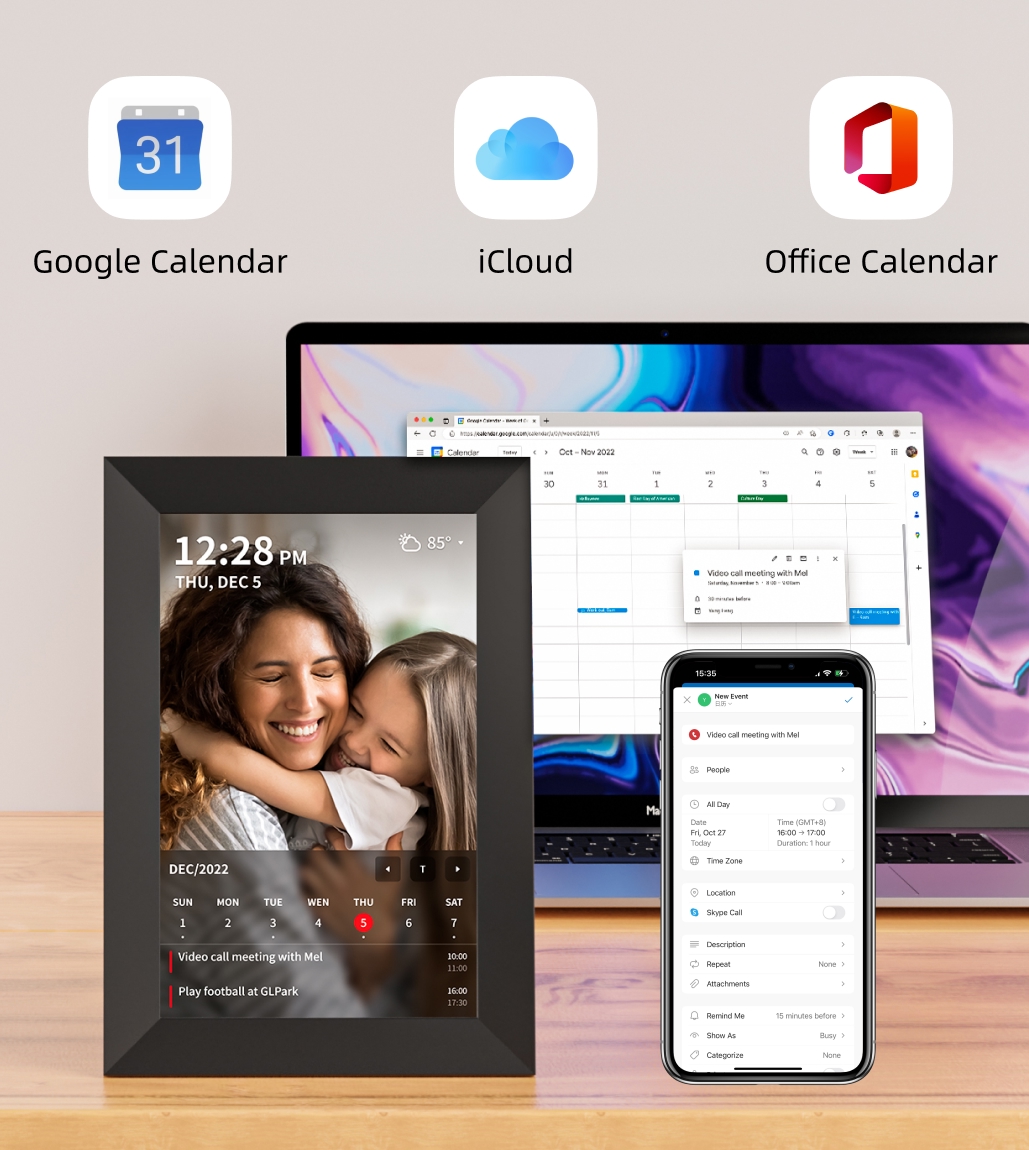
SyncGo Smart Calendar supports calendar synchronizing with Microsoft 365 and Google Calendar via Wi-Fi. From
your desktop, you can easily check the events for the next few days, the next week or the next month.
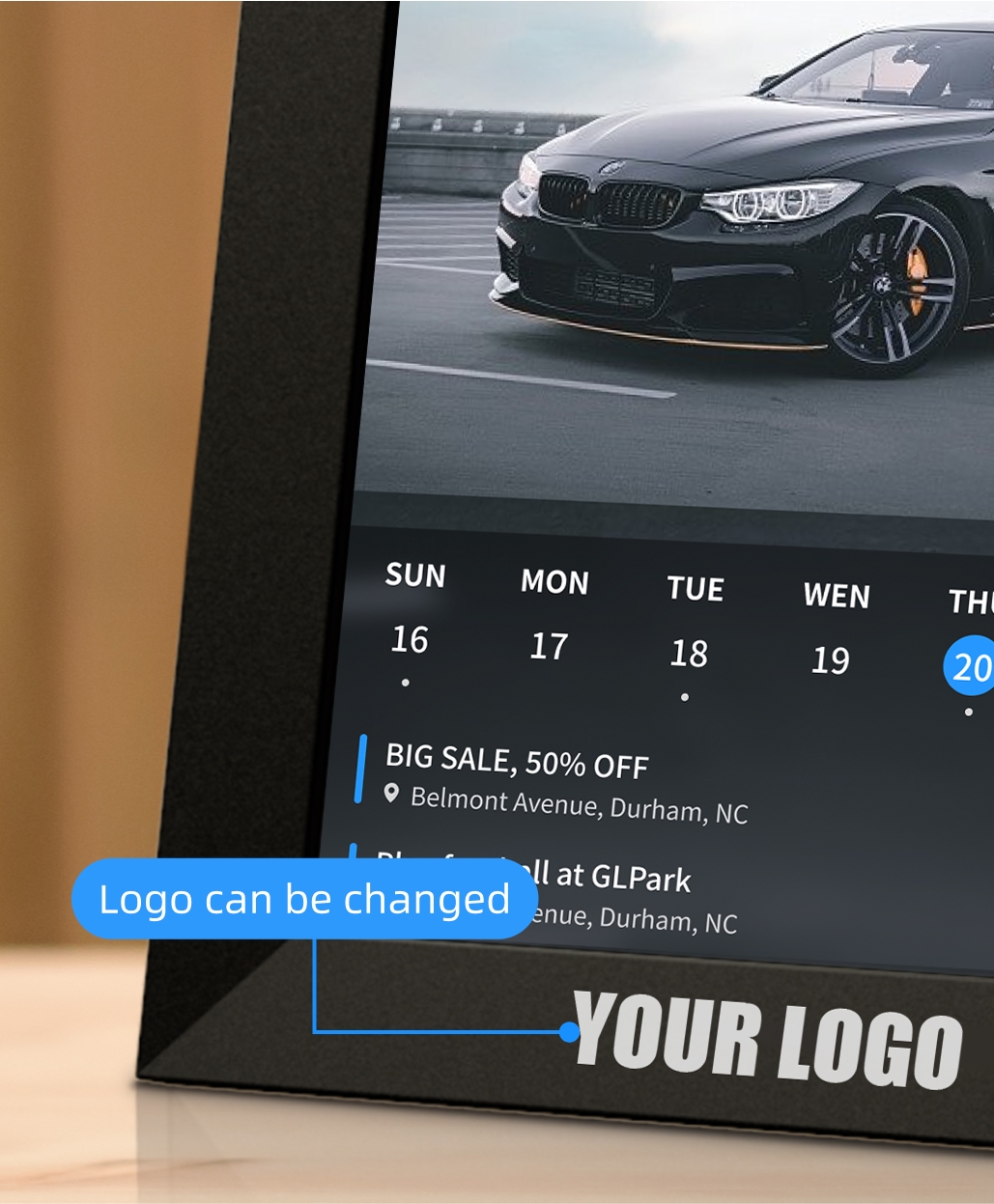
Support Custom Logos and Photo Presets for Enterprises
Enterprise users can print their company logo on calendar frames to enhance brand recognition. Additionally,
the digital photo album supports built-in photo presets, making it easy to upload and showcase photos to
clients at any time.
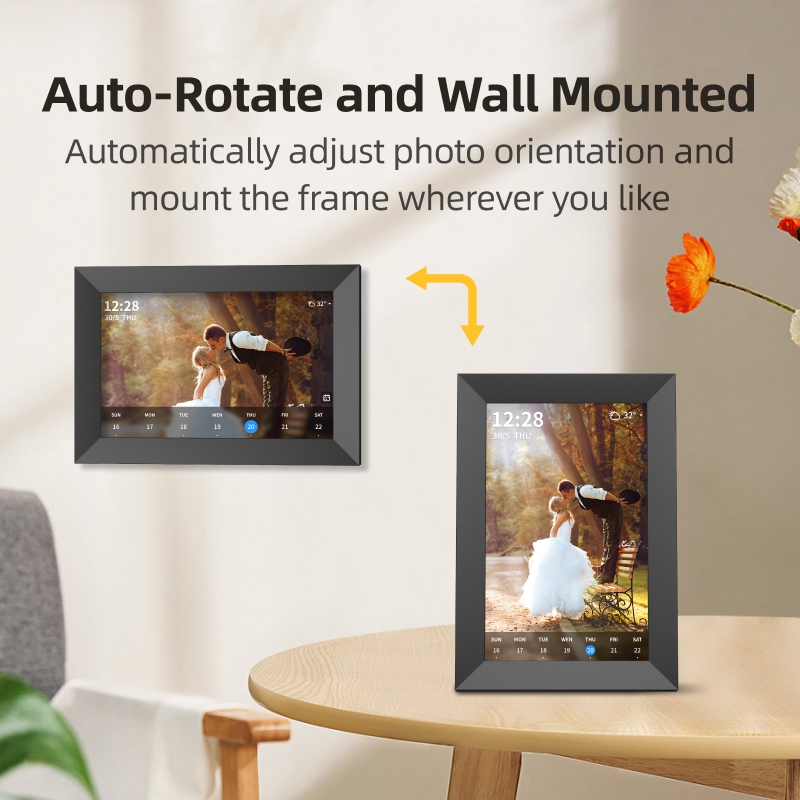
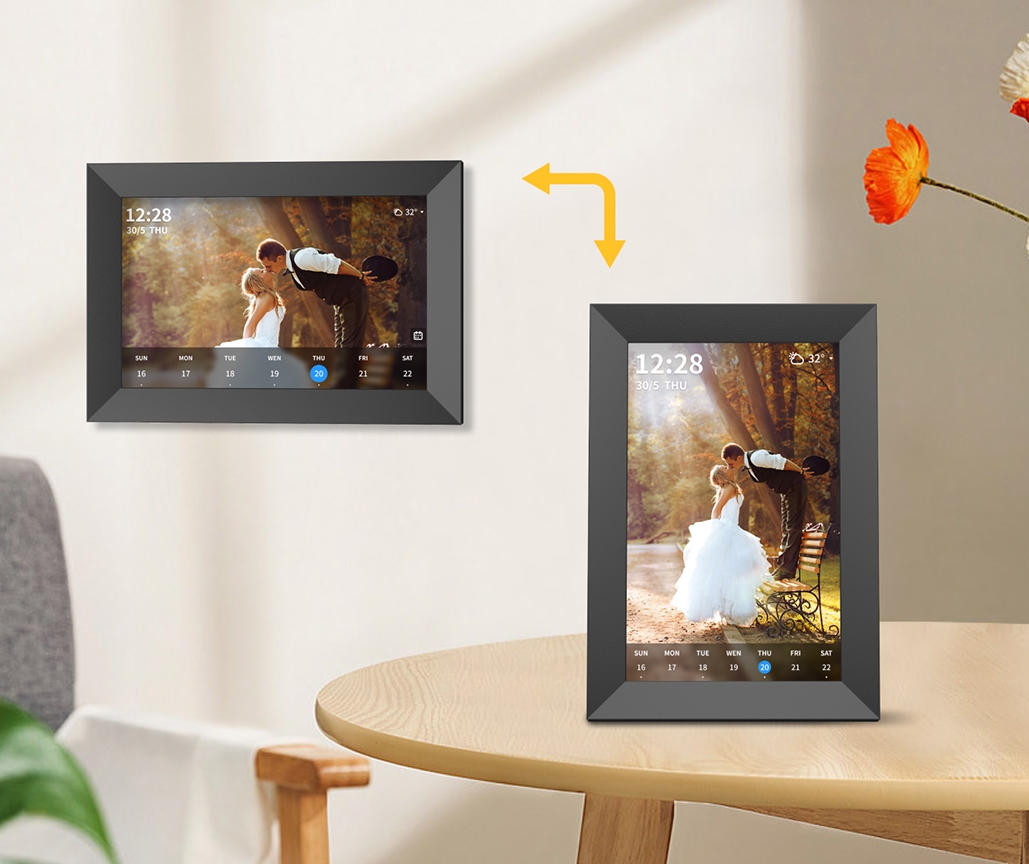
Choose either month, week or agenda view. Both landscape and portrait modes are supported.
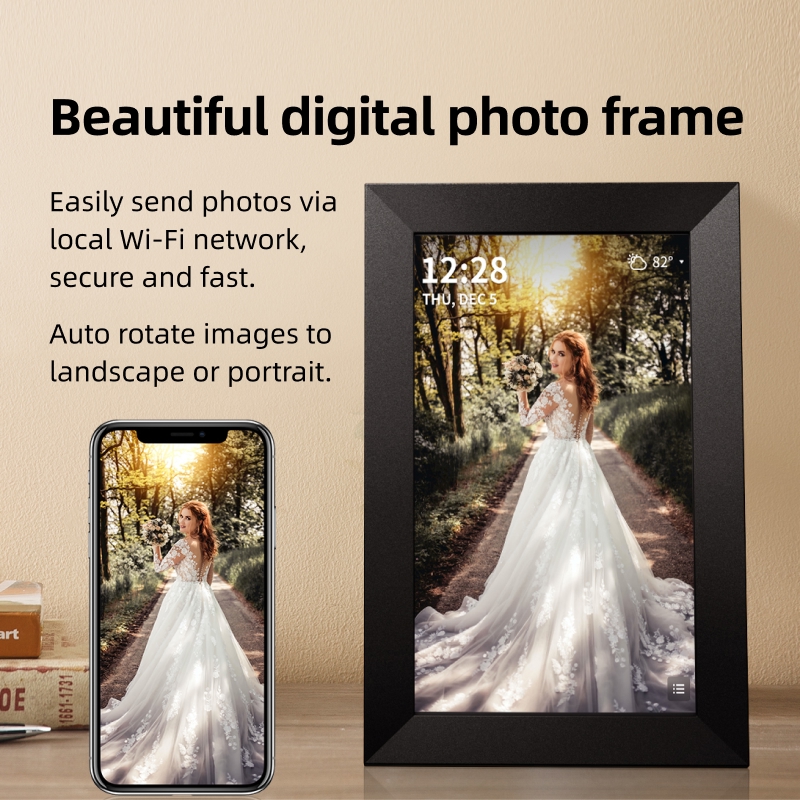
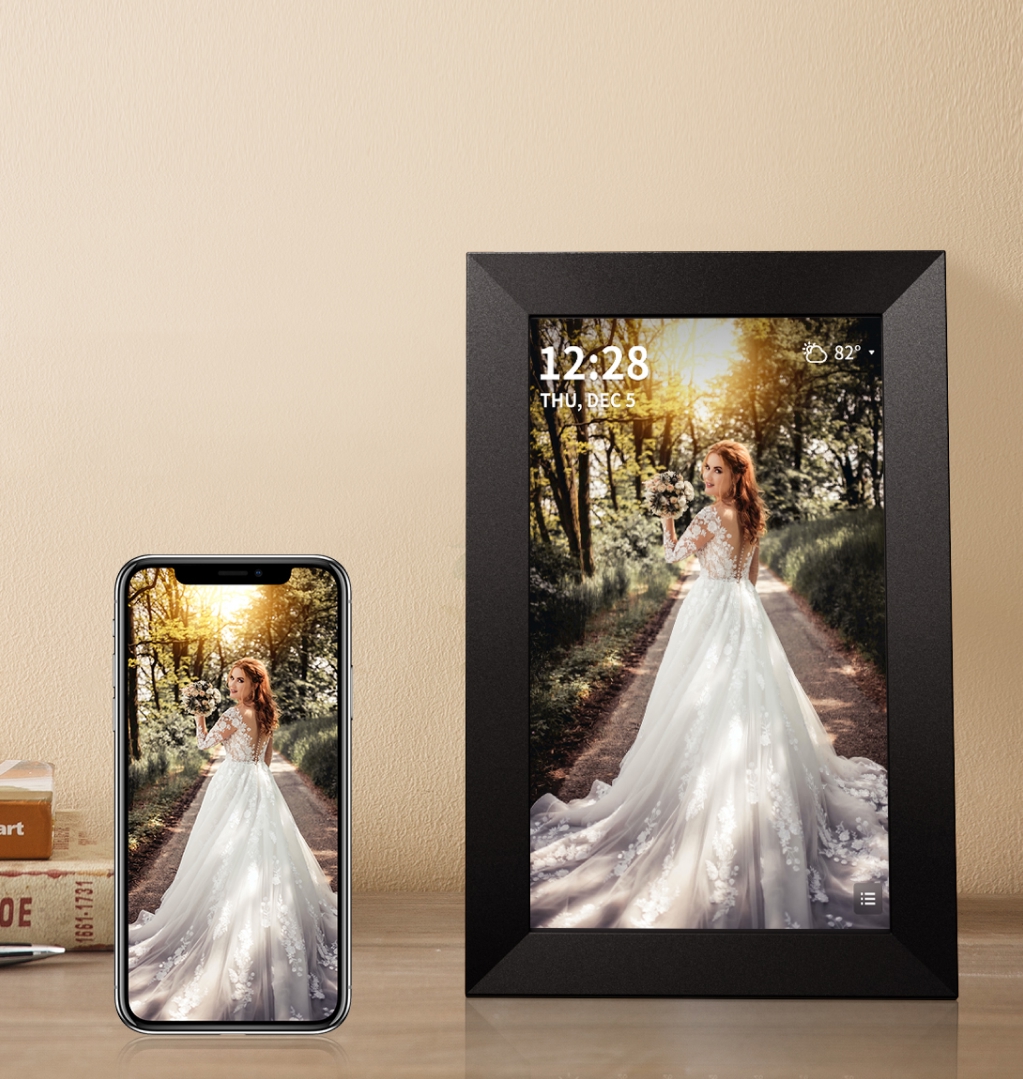
Beautiful digital photo frame
Easily send photos via local Wi-Fi network, secure and fast.
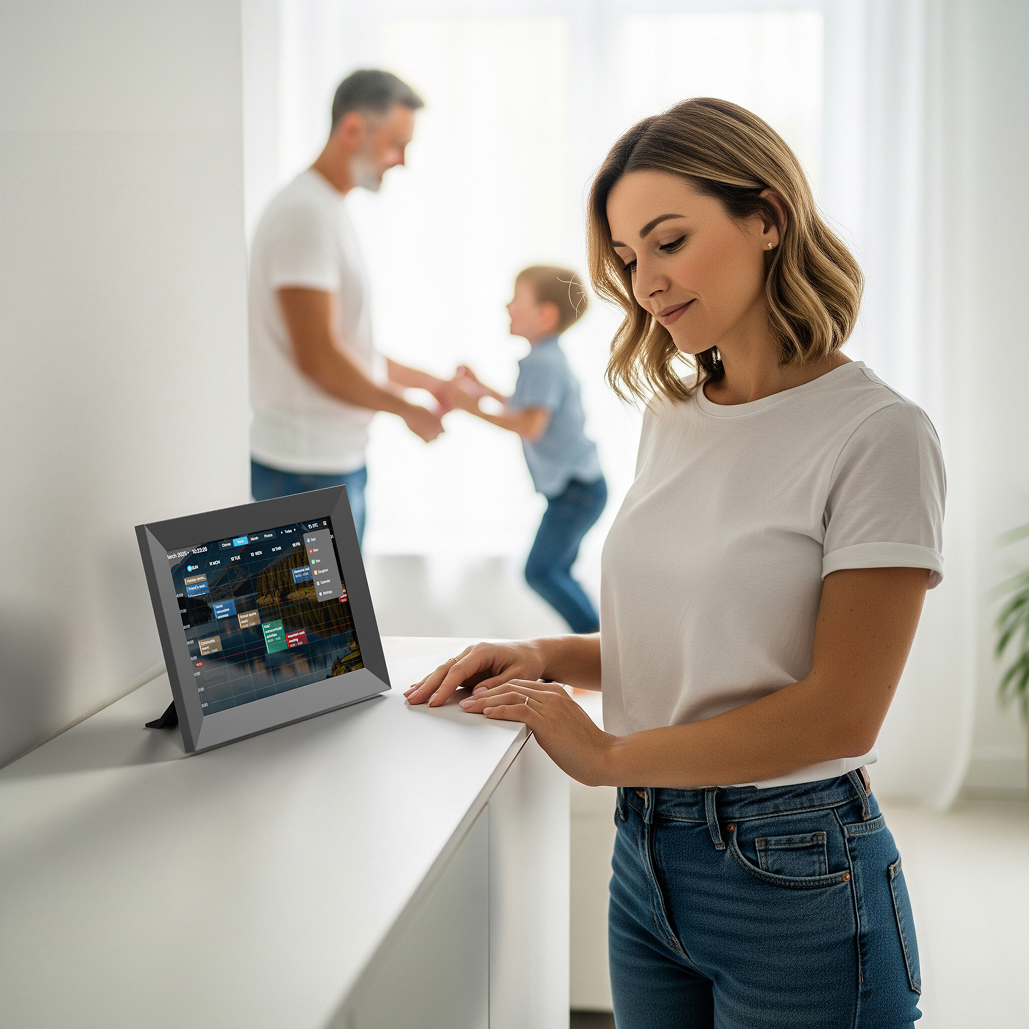
Full-Screen Weekly View
See family schedules at a glance and plan ahead effortlessly.
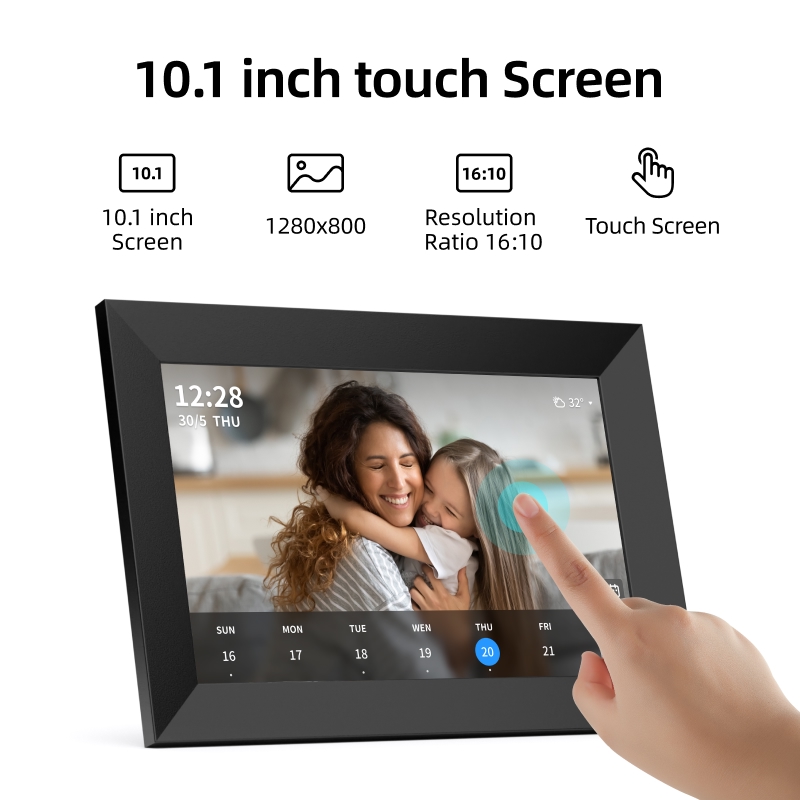
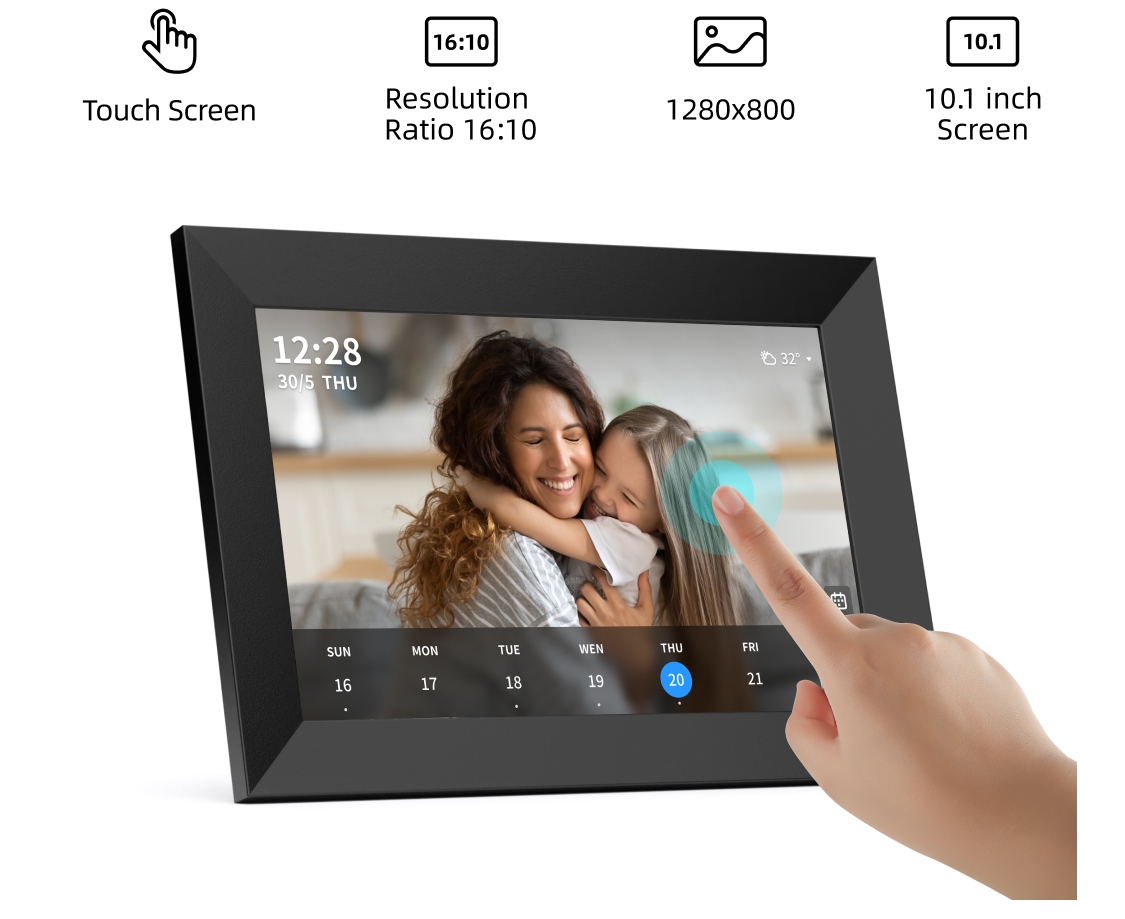
10.1 inch touch Screen
With just a swipe of your finger, you can easily scroll through your gallery and relive those cherished
memories.
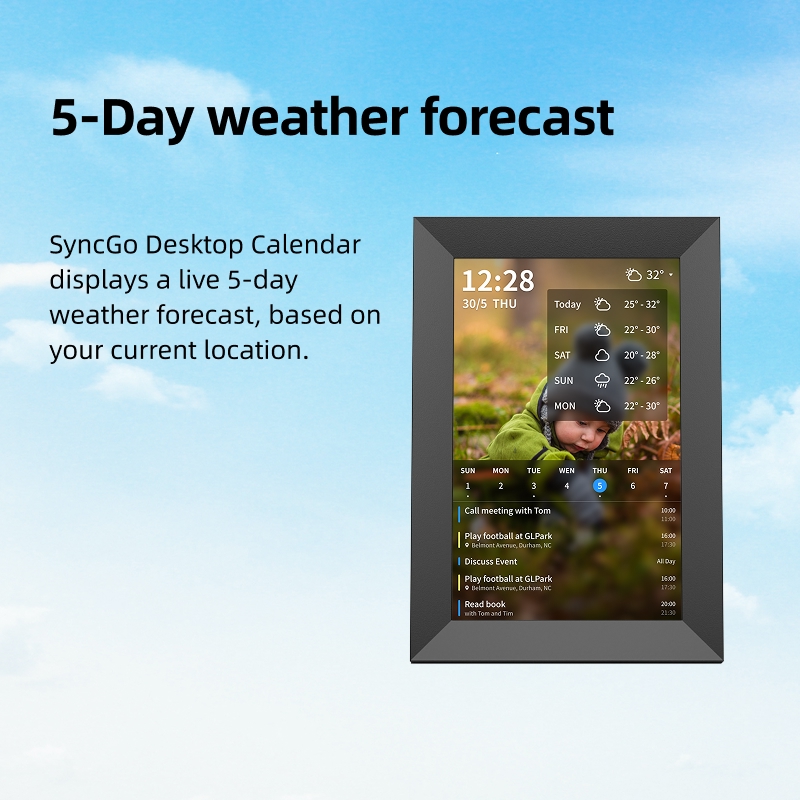
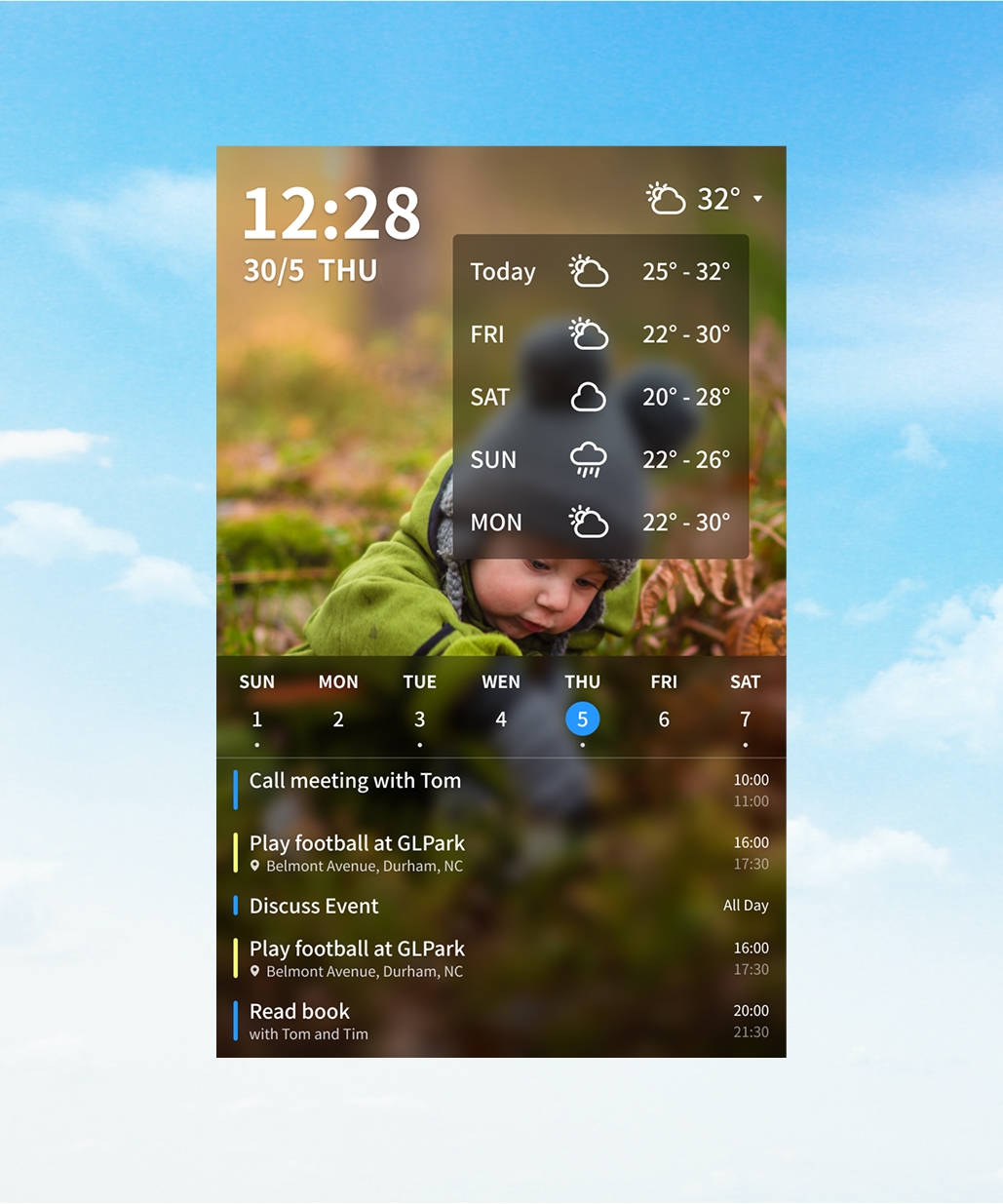
5-Day weather forecast
SyncGo Desktop Calendar displays a live 5-day weather forecast,based on your current location.
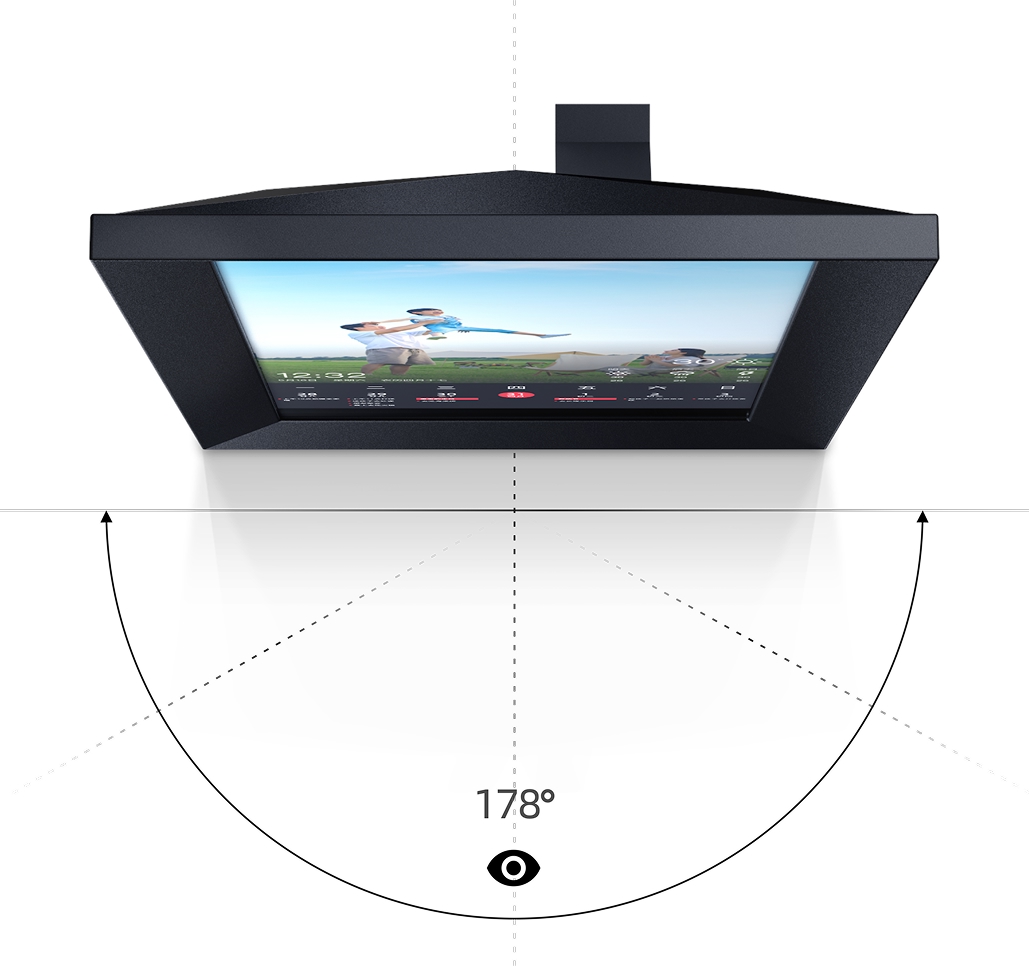
IPS screen
IPS Display is engineered to deliver the widest possible viewing angle, while still maintaining crisp and
vibrant color reproduction of your photos.
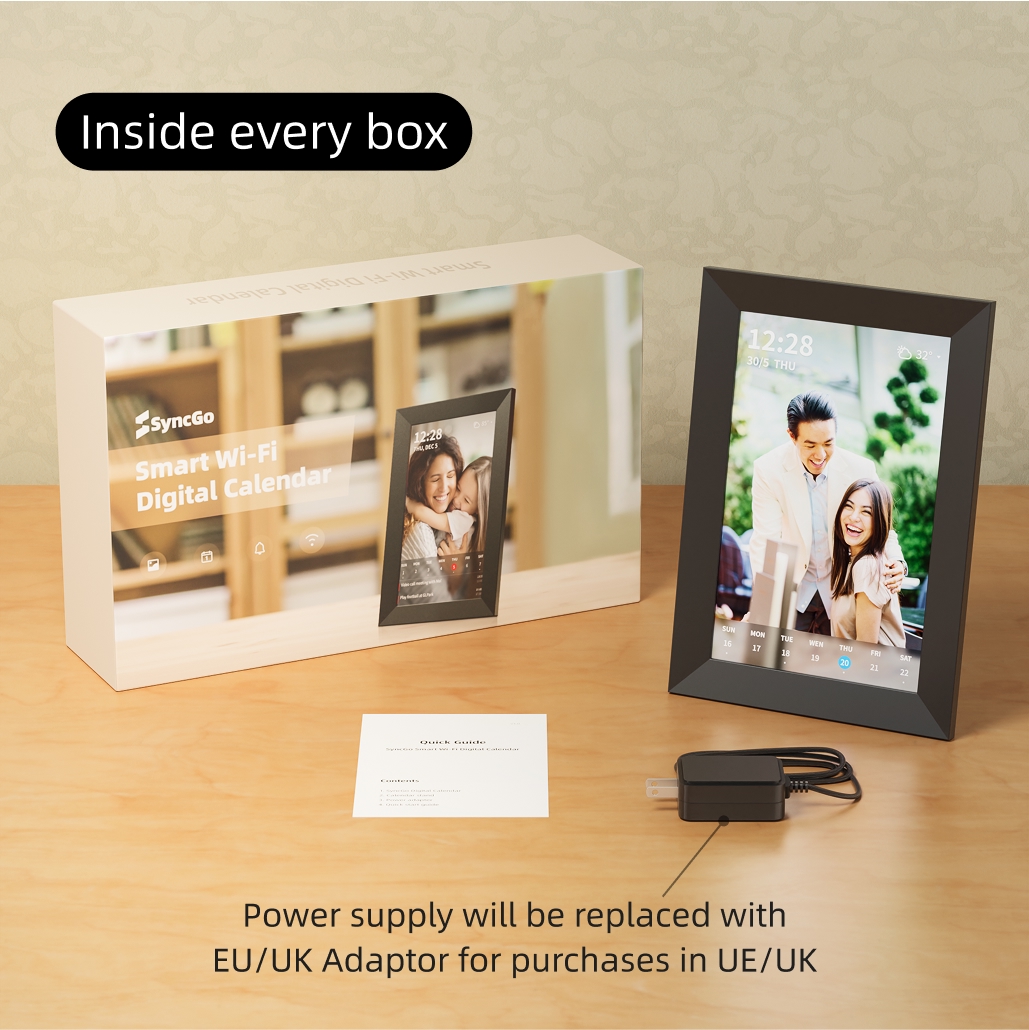
Packing list
SyncGo Digital Calendar, Calendar stand, Power adapter, Quick Start Guide
Note: Power supply will be replaced with UK/EU Adapter for purchase in EU/UK
PRIVATE, SECURE & TRUSTED
SyncGo Digital Calendar only sync the calendar data with Google servers. And the photos are transfered by
the local Wi-Fi network, stored in the device only. so you can rest assured your data is secure, private and
GDPR and CCPA-compliant.
How it works
Turn on the calendar device
Connect to Wi-Fi
Sign in to Google and consent the permission of Google Calendar and Google photos
I don’t usually write reviews but this product is exactly what it says it is I wanted to get it so bad
but reading reviews it took me a little time to cave and buy it I was nervous it wasn’t going to work
but it works perfectly and does Everything it says it will do I don’t understand why this product
doesn’t have more great reviews buy it you won’t be sorry it also had an update when I turned it on so
maybe they have fixed some issues
Took a little while to figure out as needed an upgrade to software app. Once that was downloaded, really
easy to use, great value for money. Everything on Google calendar is transferred. Would definitely
recommend.
Purchasing the digital calendar was the perfect solution to keep me organized daily at work. The
traditional dry erase calendar is such an eye soar and I decline to publicly announce my daily schedule
and appointments to visitors. Once I learned how to sync it my Google account, my calendar has yet to
disappointment me with planning my day, weeks, and months. I was required to resize and crop several
digital images; however, I am not pressed with spending valuable time making the images "perfect" when I
am the only one looking at them daily. My expectation is for the device to automatically sync with my
Google calendar, and it updates my revised events within seconds. My principal was impressed and stated
she was going to purchase one because I didn't scramble to search my laptop nor cellular phone to
retrieve my Google calendar to schedule an event. I absolutely love this device and encourage
professionals to invest in this device to keep up with their schedules daily, weekly, and monthly.
Easy setup, syncs with multiple google calendars which is great, but the calendars have to be visible to
one account (i.e. read/write permission has been given). Newly created and deleted events update quickly
which is nice. Has week view, moth view, or agenda view options for the calendar. Easy to add photos.
Was having an issue with screen being black in the morning, realized there is a setting for sleep time
and wake time, it defaults to 00:00 for both, but I set it for sleep at 22:00 and wake at 06:00 so it
turns off at 10pm and back on at 6am. Very happy with the purchase.